Citrix Workspace App for Windows - Install and Configure
1. Download Citrix Workspace App
https://www.citrix.com/downloads/workspace-app/windows/workspace-app-for-windows-latest.html
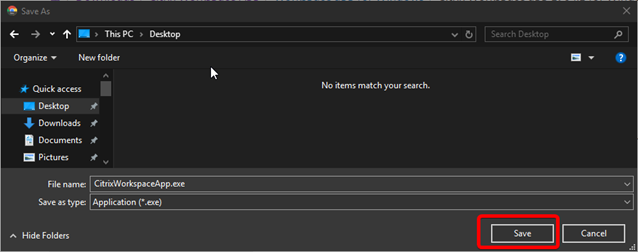
Save the program on your desktop or in the download folder :
Microsoft Edge :
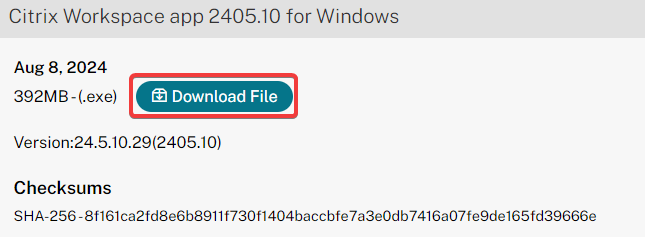
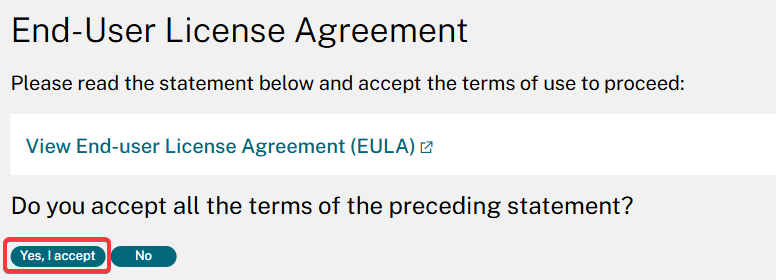

Google Chrome:
2. Installation
Launch the downloaded .exe as administrator :
1 : Right clic on the CitrixWorkspaceApp.exe file previously downloaded
2 : Click on "Run as administrator"
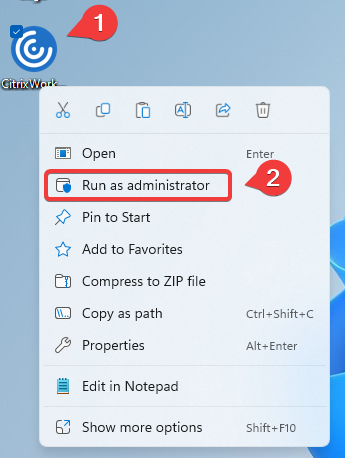
Validate the message of’avertissment (administrator rights required) :
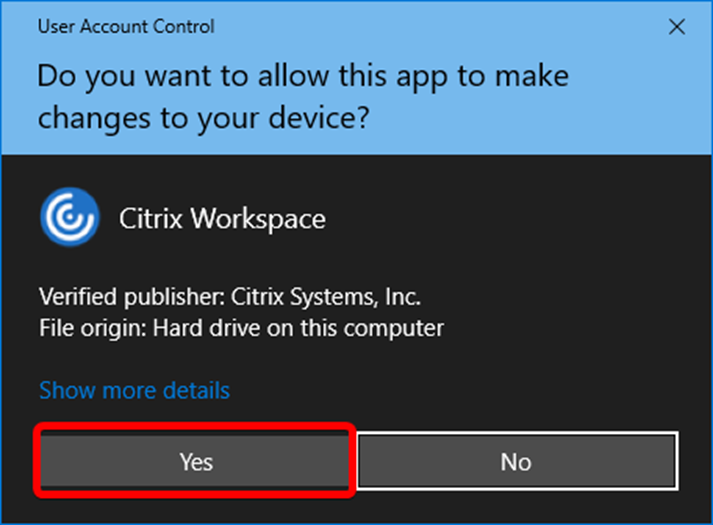
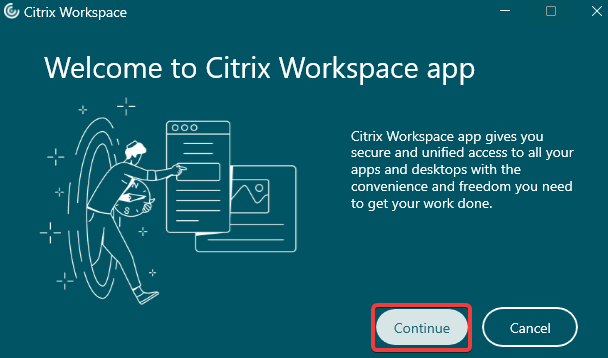
click on "Continue"
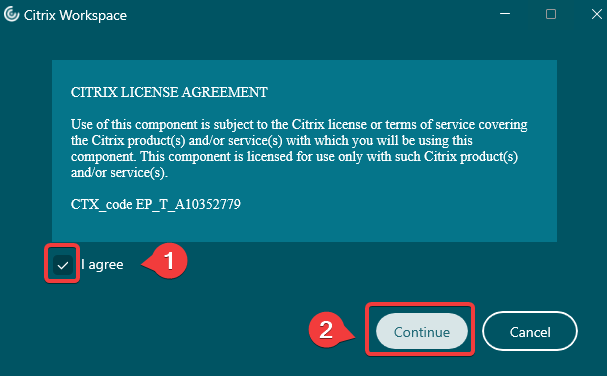
Select "I agree" and click on "Continue"
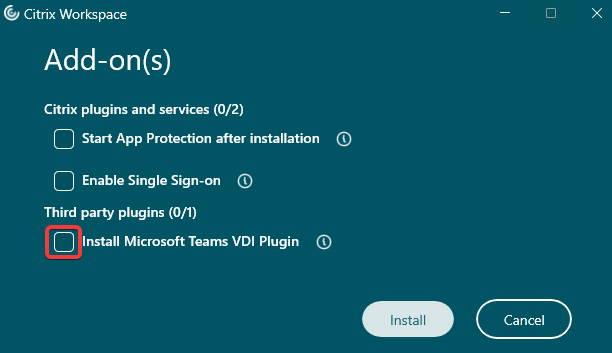
Delect "Install Microsoft Teams VDI Plugin"
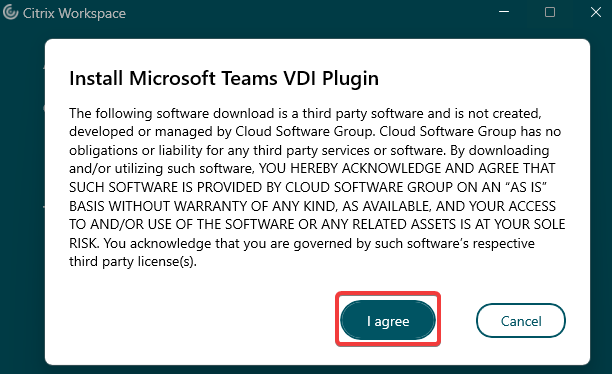
Thenk click on "I agree" :
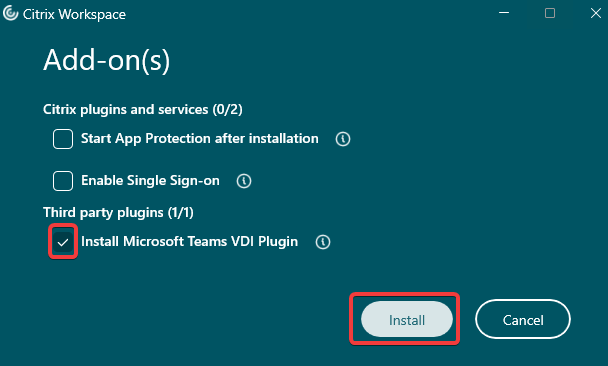
Click on "Install"
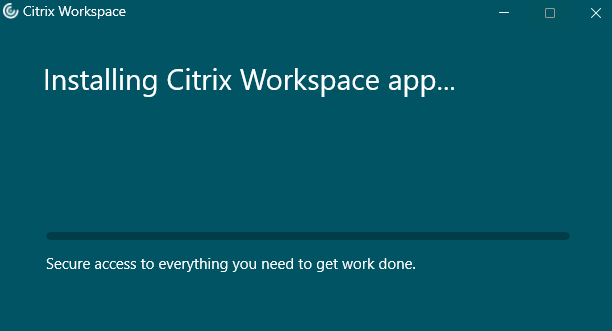
Citrix WorkspaceApp installation in progress :