Office 365 Mail account - Configuration
1: Setup email on iOS devices (iPhone & iPad) :
Go to the settings :
In our example, we configure an account on an iPhone 6 Plus iOS 12.4.8
Make sure that you are connected to the internet via 3G or Wi-Fi

2 : Password and Account :
Under "Settings", go to “Password & Accounts".
Here, you can add account.

3: Add an email account :
You will see an interface where the different email accounts already set up on your device are listed.
Tap on "Add Account" to continue.

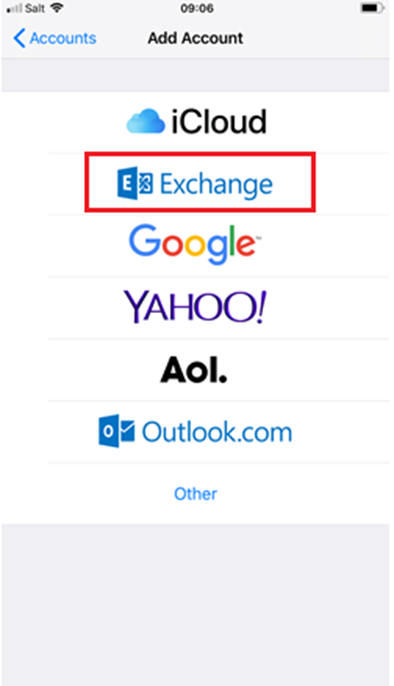
4 : Email account type
Select "Microsoft Exchange" as the account type.