Xink for Mail application on MAC OS - Install and Configure
If your signature has been created on Xink server you will need to ask us for a Verification Code.
This code will be sent by mail.
1. Retrieve your Access Code
As soon as you received the mail from Xink, click on "Click this link to retrieve your Access Code" :
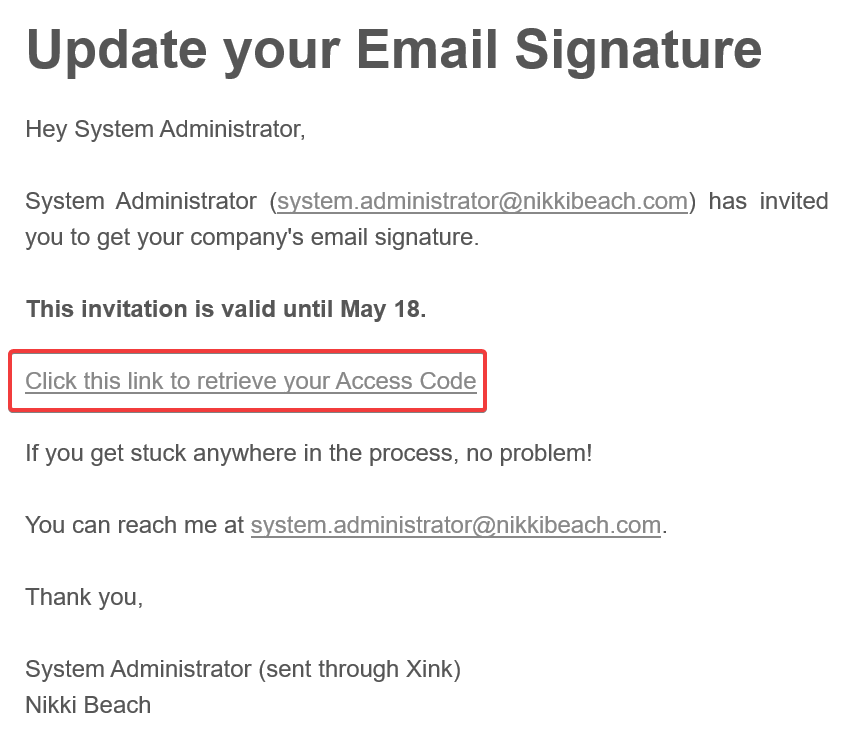
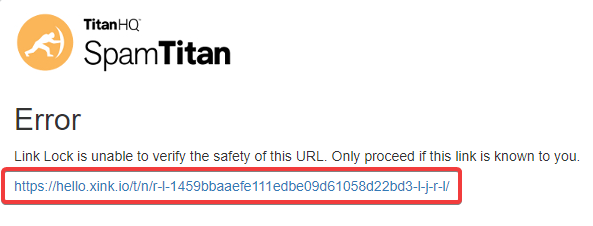
Then, click on the link below :
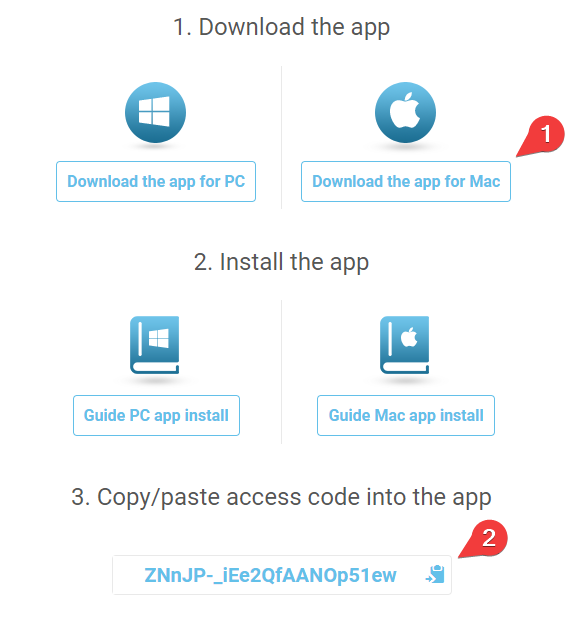
On the next step, click on "Download the app for Mac" and Copy/Paste the generated code.
This Code will be necessary for the next step in order to registered your account and link Xink to your email account
2. Download Xink software on your Mac
Click on "Download the app for Mac and next on "Allow" :
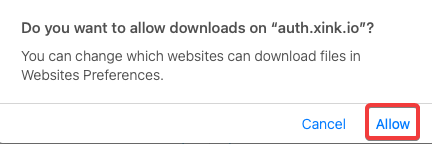
You will the the downloaded file in your download folder:
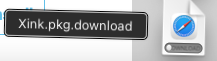
3. Install Xink software on your Mac
Just double click on the Xink.pkg file to launch Xink installation :
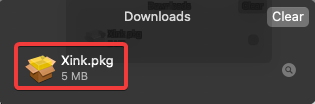
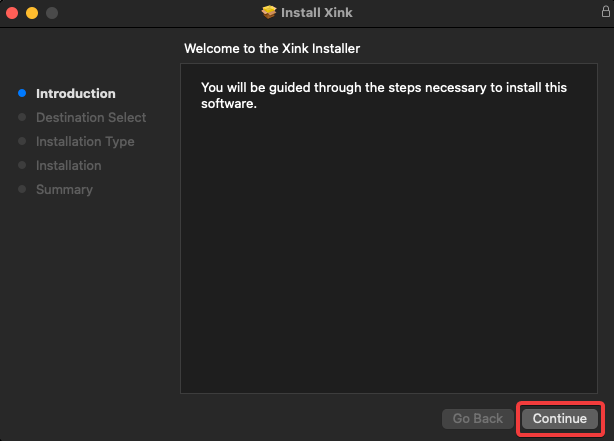
Then, click on "Continue" to start the installation :
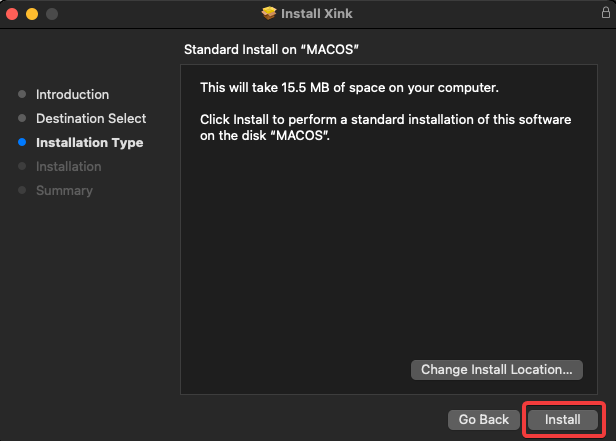
Click on "Install" :
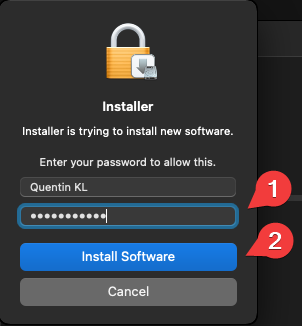
Enter your Mac password and click on "install Software" :
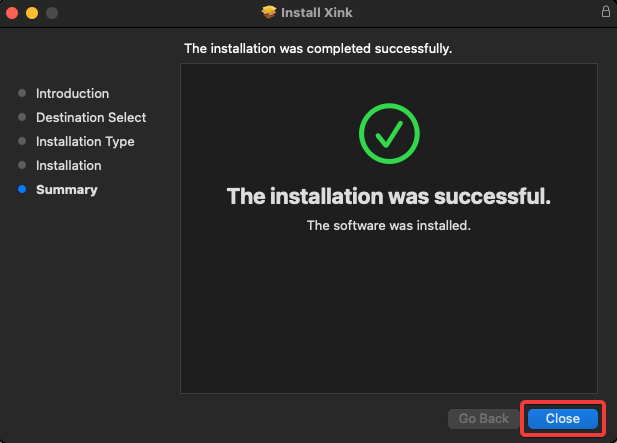
Click on "Close" to finish Xink installation :
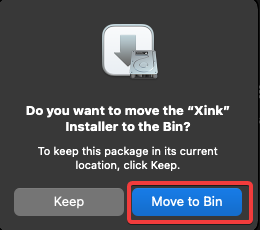
Click on "Move to Bin" to trash the installer package :
4. Launch Xink and Configure the application
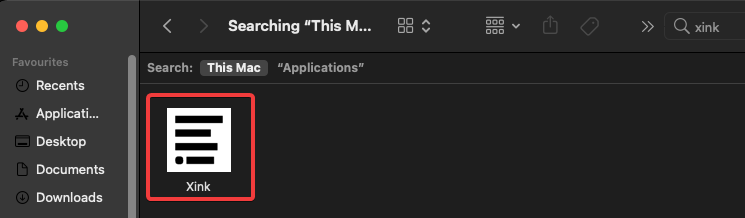
Open your "Finder", then go in "Application", search for Xink and double click on it to launch the application :